

 Contains ads - Virus check
How to correctly install the app on Android?

Safety starts with understanding how developers collect and share your data. Data privacy and security practices may vary based on your use, region, and age. The developer provided this information and may update it over time.
App Privacy
Data that may be shared with other companies or organizations:
Data that this app may collect:
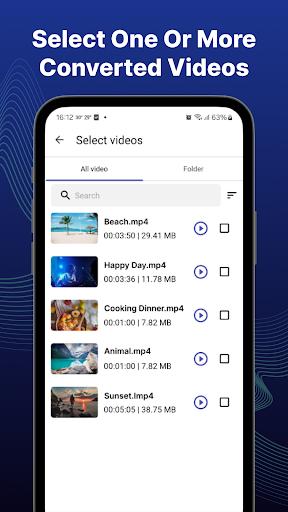
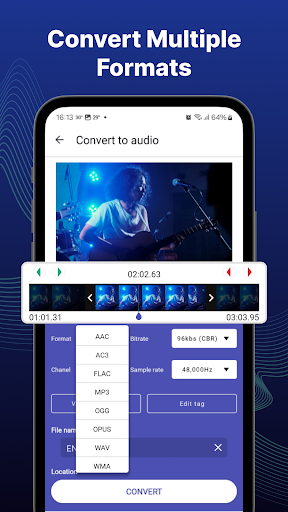
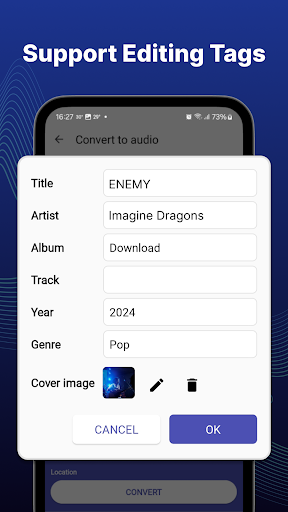
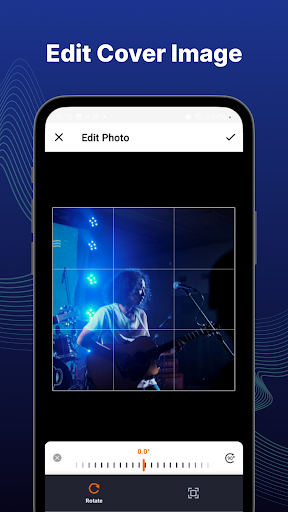
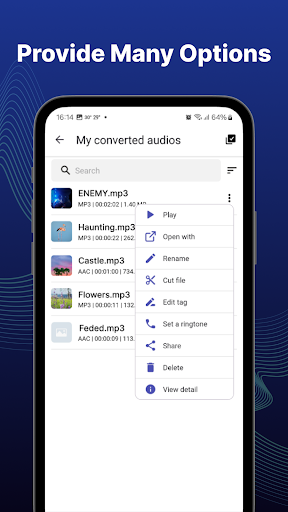
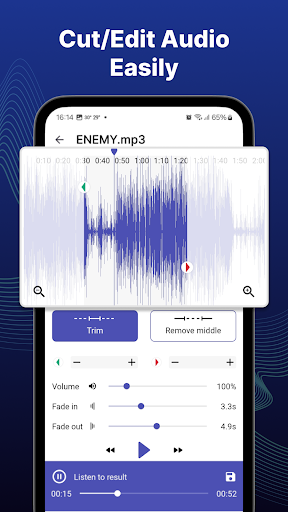
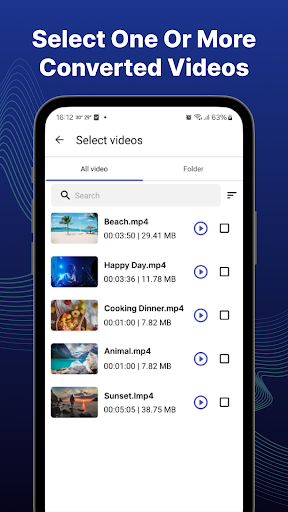
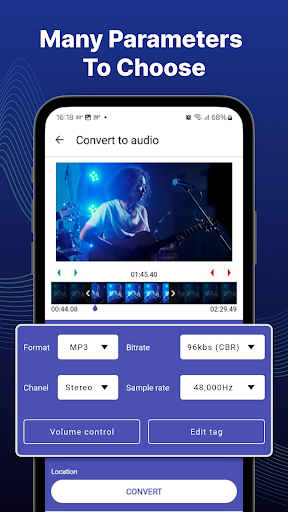
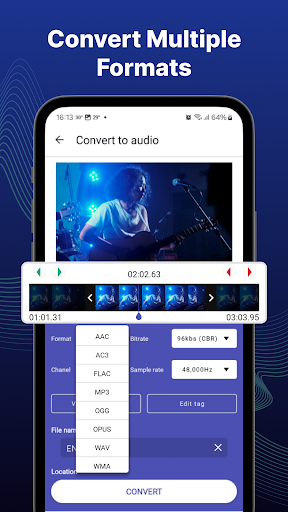
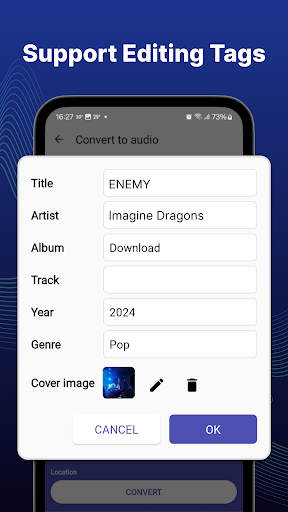
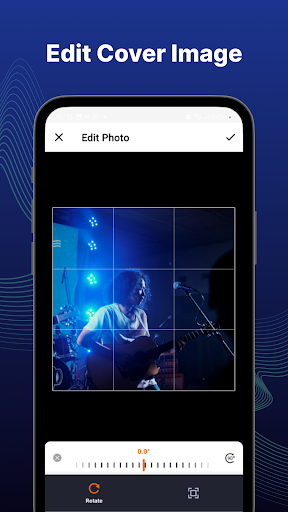
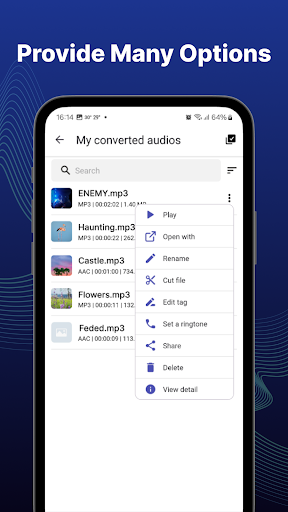
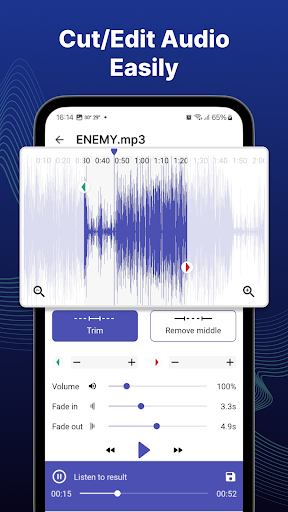
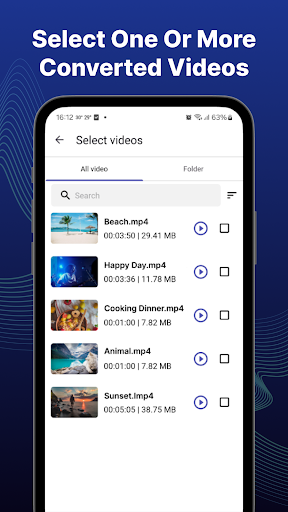
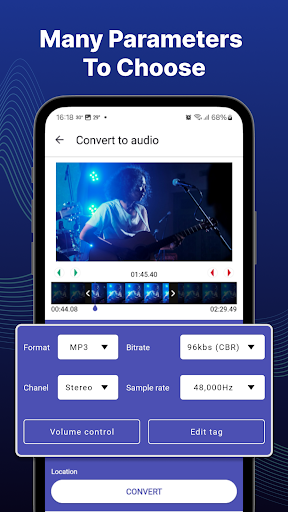
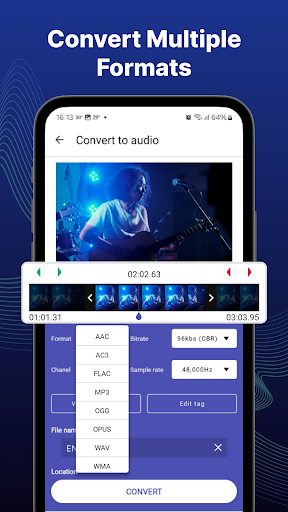
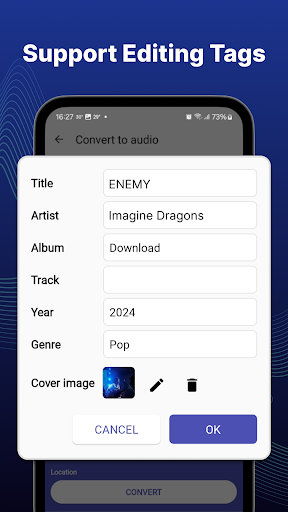
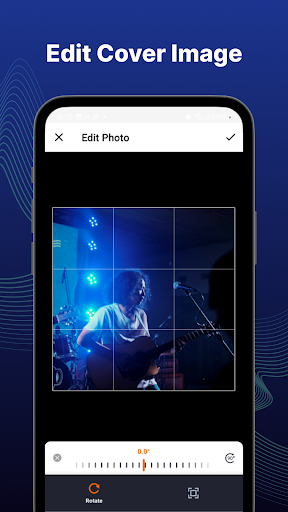
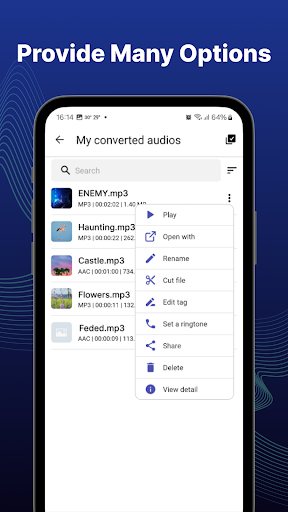
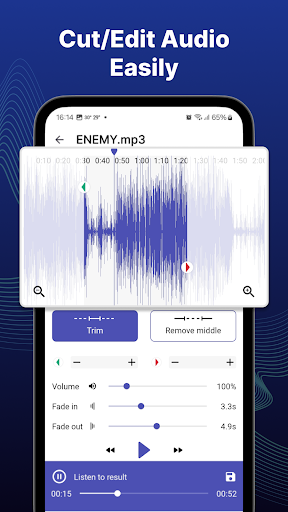
You like a piece of music, a dialogue or inspirational quote from a video or clip and convert it to audio formats (MP3,MWA,WAV ...); you want to change/edit the title, genre, artist, cover image, album of the MP3 and set it as a ringtone. Our app is a good choice for you. With video to mp3 converter app, you can cut/trim video files and convert video to audio with many options in a few seconds. You can extract high quality songs from video and converting one or more videos simultaneously. Outstanding features - Provide variety of input video formats: MP4, 3GP, WEBM, MKV, FLV, AVI, MOV, MPG, OGV, WMV, M4V ... - Allow you to choose your favorite part of the video which you want to extract. - Cut/trim video or audio file. - Use edit tag function to change/edit MP3 file information - Set audio as a ringtone - Convert videos to audios very easy, fast and high quality - And some other features Conversion features: - Cut/trim video. - Provide many audio formats: MP3, AAC, AC3, WMA, FLAC, WAV, OGG or OPUS. - Support many sample rates: 8000, 12000, 16000, 24000, 48000, 64000Hz and etc. - Support a variety of bitrates: 32, 64, 96, 128, 192, 256kbs and etc. - Select the audio channel Mono/ Stereo - Allow you to change volume and fade in/fade out effects - Allow adding/changing information from converted audio files (Title, artist, album, genre, ...) Manage converted files: - Easily search and manage all converted audio files, can rename them, view details, share or delete files that are no longer needed. - Change/edit the title, genre, artist, album, cover image of your audio. - Trim audio: cut or remove excess in the audio file for the best part. - Create a ringtone: just choose your favorite song and set it as a ringtone. - Share the new music you just made with your friends With video to mp3 converter app - Convert video to audio is very easy, fast, it certainly won't let you down. Download now, experience it and enjoin high quality songs. The video to mp3 converter app is FREE. If you have any questions or ideas about the app, please send the email via musicstudio5.ltd@gmail.com. We are always happy to listen to your opinion!
2.9.113
30/03/2026
2.7.108
22/10/2025
2.6.98
15/07/2025
2.4.86
04/07/2025
2.3.80
15/04/2025
| App Name: | Video to MP3 Converter |
| Current Version: | 2.9.113 |
| App Release: | Dec 18, 2024 |
| Package Name: | com.mediaconverter.mp3videoconverter.videotomp3converter |
| Installs: | 1,000,000+ |
| Rating: | 4.6 |
| Reviews: | 77 |
| Score: | 9 763 |
| Price: | Free |
| Price (in-app purchases): | Free |
| In-app purchases (IAP): | No |
| Developer: | Convenient & Easy Apps |
| Developer Email: | musicstudio5.ltd@gmail.com |
| Developer Website: | https://convenienteasyapps.com/ |
| Privacy Policy: | https://sites.google.com/view/video2mp3/ |
| Category: | Video Players & Editors |
| Pre-registration: | No |
| Early Access: | No |
| Available in Play Pass: | No |
| Video Downloader | Video to MP3 Converter | Video MP3 Converter | Audio Converter - MP4 to MP3 | MP3 Video Converter | Video to MP3 Convert | X Downloader & Video Player | |
|---|---|---|---|---|---|---|---|
| Updated | Apr 07, 2026 | Mar 30, 2026 | Jan 09, 2026 | Sep 22, 2025 | Oct 30, 2025 | Mar 26, 2026 | Mar 23, 2026 |
| Current Version | 2.5.8 | 2.9.113 | 2.7.2 | 1.2.24 | 2.2.3 | v1.1.24 | 2.3.14 |
| Score |
|
|
|
|
|
|
|
| Media Converter - video to mp3 | MP3 Converter -Audio Extractor | EasyMp3 Video to mp3 Converter | video to mp3 converter no cap | |
|---|---|---|---|---|
| Updated | Sep 03, 2025 | Sep 13, 2025 | Sep 03, 2025 | Apr 03, 2025 |
| Current Version | 4.11 | 6.9 | 8.0.1 | 3.8 |
| Score |
|
|
|
|
Compare Video to MP3 Converters. Thumbnail Preview. Video Charts
Copyright © 2026 All Right Reserved. Privacy Policy